


Login to the e-Learn platform
Instructions for using the platform for professors can be downloaded here, while instructions for students can be downloaded here.
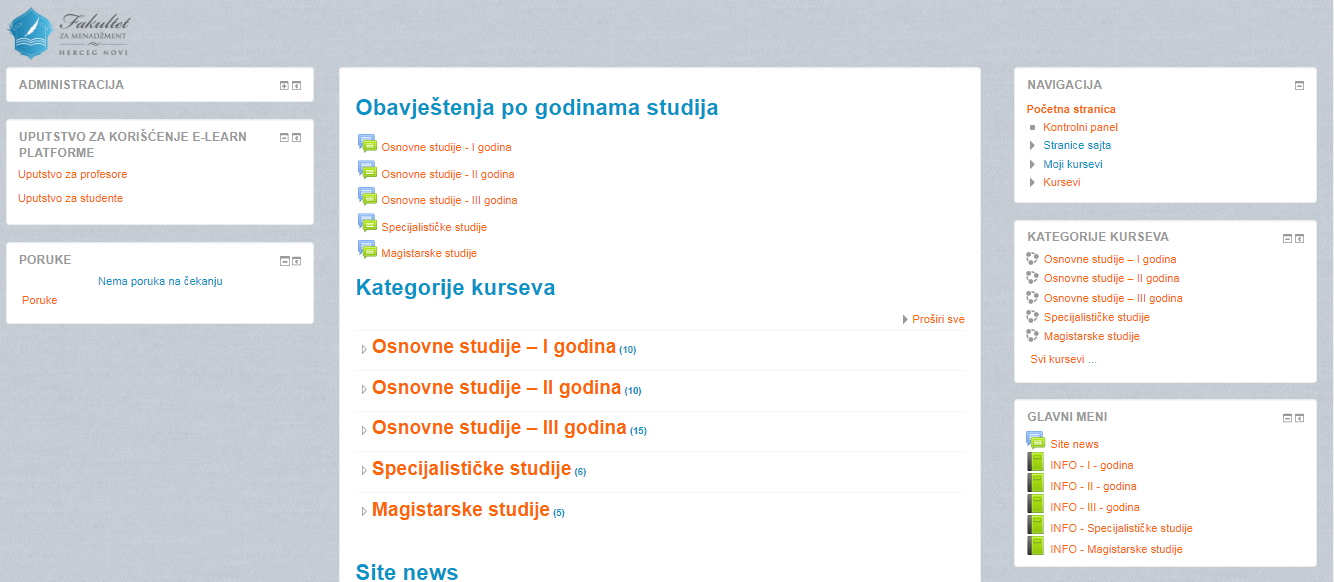
In addition to the possibility to access the e-Learn platform online, you can access it by downloading the Moodle application on your computer or mobile device. the Moodle application on Google play or the App store, and after confirming whether you are a teacher or a student, enter the link elearn.fm-hn.com/ and then your data (username and password) to access the account.

In addition to using the mentioned platform, and with the aim of better interaction between students and teaching staff, the ZOOM application which represents the safest way of online communication when holding meetings, conferences and consultations. is also recommended, Instructions for using ZOOM can be downloaded here .